Refurbished enterprise servers can provide strong business value when they are selected, tested and supported properly.
They may offer higher build quality, redundant components and greater expansion capacity than new entry-level systems at a similar budget.
However, refurbished does not describe one consistent standard.
One supplier may inspect, clean, test and document every component. Another may simply resell used hardware with limited verification.
The buyer should therefore evaluate the server, the refurbishment process, the warranty and the supplier—not only the model number and price.
Understand What Refurbished Means
A refurbished server is previously owned equipment that has been prepared for resale.
The preparation may include:
- Physical inspection
- Cleaning
- Diagnostic testing
- Replacement of failed parts
- Firmware updates
- Configuration changes
- Secure data sanitisation
- Cosmetic grading
- Warranty provision
The quality of the process varies significantly.
Ask the supplier to explain exactly what has been tested and whether the server is sold as:
- Refurbished
- Used
- Ex-lease
- Manufacturer recertified
- Open-box
- Rebuilt to order
These terms may describe different levels of inspection and support.
Start With the Workload
Do not purchase a refurbished server only because the specification appears impressive.
Define what the server must support.
Record:
- Applications
- Number of users
- Processor requirements
- Memory
- Storage capacity
- Storage performance
- Network speed
- Virtual-machine count
- Backup requirements
- Expected growth
- Availability requirements
A dual-processor server with large memory capacity may be excellent value for virtualisation.
It may be unnecessarily complex and power-hungry for a small file server.
The best refurbished server is one that fits the workload and has a practical support life remaining.
Check the Server Generation
Enterprise server families are released in generations.
A newer generation may provide:
- More efficient processors
- Faster memory
- Better storage support
- Improved remote management
- Newer network interfaces
- Better power efficiency
- Longer software compatibility
An older server may be inexpensive but create problems with:
- Current operating systems
- Hypervisor support
- Security features
- Firmware updates
- Replacement parts
- Power consumption
The buyer should consider both purchase price and remaining useful life.
A slightly newer generation may provide better value over several years even when its initial cost is higher.
Confirm Processor Suitability
Review the processor model rather than relying only on the number of cores.
Important factors include:
- Processor generation
- Core count
- Clock speed
- Number of processor sockets
- Power consumption
- Virtualisation support
- Software compatibility
- Licence implications
Some applications benefit from more cores.
Others perform better with fewer, faster cores.
Software licences may also be charged per processor, core or virtual machine. A large dual-socket server can therefore increase licence cost even if the hardware itself is inexpensive.
Confirm that the processor architecture is supported by the intended operating system and applications.
Check Whether Both Processor Sockets Are Populated
Many enterprise servers support two processors.
A system listed as dual-socket does not necessarily include two CPUs.
Ask:
- How many processors are installed?
- Are they the same model?
- Are the correct heat sinks fitted?
- Is memory distributed correctly?
- Are additional fans required for the second processor?
- Are all PCIe slots available with the current configuration?
In some servers, certain memory slots, drive controllers or expansion slots work only when the second processor is installed.
The configuration should be checked against the manufacturer’s technical guide.
Evaluate Memory Configuration
Enterprise servers may support substantial amounts of ECC memory.
Check:
- Total installed memory
- Module size
- Memory type
- Speed
- Number of populated slots
- Number of free slots
- Channel balance
- Maximum supported capacity
A server with many small modules may appear to include adequate memory while leaving no easy expansion path.
For example, filling every slot with low-capacity modules can make a later upgrade expensive because existing memory must be removed.
A balanced configuration using supported modules normally provides the best performance and reliability.
Confirm Memory Compatibility
Servers may require specific memory types such as:
- ECC UDIMM
- Registered DIMM
- Load-reduced DIMM
- DDR4
- DDR5
Different memory types may not be mixed.
Processor generation can also affect supported speed and capacity.
Ask the supplier whether the installed memory:
- Matches the server specification
- Has passed diagnostics
- Is arranged correctly across channels
- Includes mixed manufacturers or specifications
- Is recognised fully by system firmware
Memory errors should be reviewed through the server’s hardware logs.
Review Storage Requirements Carefully
A refurbished server may be supplied:
- Without drives
- With drive carriers only
- With used HDDs
- With used SSDs
- With new storage
- With a mixture of drive types
Ask whether quoted capacity is:
- Raw capacity
- Usable capacity
- Before RAID
- After RAID
The server may support several storage formats, including:
- 2.5-inch drives
- 3.5-inch drives
- SATA
- SAS
- NVMe
Confirm that the backplane, controller, drive carriers and cables support the intended storage type.
A server chassis with empty bays does not automatically support every drive technology.
Evaluate Used Drives Separately
Storage devices have a different risk profile from the server chassis.
Ask for information about:
- Drive age
- Power-on hours
- Error history
- Health status
- Remaining SSD endurance
- Manufacturer
- Model consistency
- Warranty
Used enterprise HDDs can be suitable for some workloads when tested and protected by RAID and backup.
Used SSDs require particular attention because flash memory has finite write endurance.
For critical production workloads, new drives may provide better value and lower risk even when the server itself is refurbished.
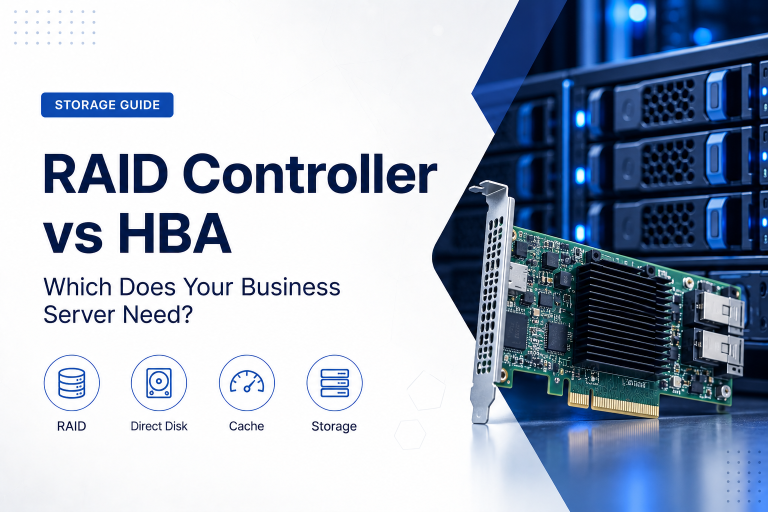
Check the RAID Controller
The storage controller affects drive compatibility, performance and resilience.
Confirm:
- Controller model
- Supported RAID levels
- Cache size
- Battery or capacitor condition
- SAS or SATA support
- NVMe support
- Maximum drive size
- Firmware version
- Operating-system driver support
A failed or degraded cache protection module can reduce write performance or create risk.
Some server configurations may use a basic controller that does not support the required RAID level.
The controller should match the workload rather than simply being the lowest-cost option available.
RAID Is Not Backup
A refurbished server with redundant drives still requires backup.
RAID may protect against certain drive failures, but it does not protect against:
- Ransomware
- Accidental deletion
- Database corruption
- Administrator mistakes
- Theft
- Fire
- Complete server failure
The procurement plan should include backup storage, off-site copies, retention and recovery testing.
Do not allow a low hardware price to result in an incomplete data-protection design.
Inspect Power Supplies
Enterprise servers often support redundant power supplies.
Check:
- Number installed
- Power rating
- Efficiency level
- Matching model numbers
- Physical condition
- Firmware status
- Redundancy mode
A server may be advertised as supporting redundant power while including only one power supply.
For critical workloads, two matching units are normally preferable.
Also confirm that the server’s power requirement is suitable for the available circuits, UPS and rack environment.
Consider Power Consumption
Older enterprise servers can consume significantly more power than newer systems.
TCO should include:
- Average server power
- Storage power
- Cooling
- UPS losses
- Continuous operating hours
A low purchase price can be offset by several years of higher electricity and cooling cost.
Power usage depends on:
- Processor generation
- Number of processors
- Memory quantity
- Drive type
- Power-supply efficiency
- Workload
Ask for measured or estimated operating consumption where possible.
Check Cooling and Noise
Rack servers are designed for controlled server-room environments.
They may produce substantial fan noise.
Before purchase, consider:
- Installation location
- Rack ventilation
- Room temperature
- Dust
- Airflow direction
- Noise tolerance
A server suitable for a data centre may be unsuitable for placement beside employees.
High-performance processors, large memory configurations and many drives can increase heat output.
Cooling cost and environmental suitability should form part of the decision.
Review Remote Management
Enterprise servers often include a dedicated remote-management controller.
This can allow administrators to:
- Power the server on and off
- View hardware health
- Access the console
- Review logs
- Update firmware
- Mount installation media
- Receive alerts
Confirm:
- Management-controller version
- Licence level
- Network functionality
- Security support
- Password reset status
- Firmware version
- Remote-console capability
Some advanced features may require a separate licence.
Older management platforms may use outdated encryption or browser technologies, which can create security and usability concerns.
Reset Previous Credentials
A refurbished server should not retain administrator credentials, certificates or network settings from its previous owner.
The refurbishment process should reset:
- Remote-management accounts
- BIOS passwords
- RAID-controller settings
- Network configuration
- Asset information
- Security certificates
- Trusted keys
The buyer should change all default credentials during deployment.
Remote-management interfaces should not be exposed directly to the public internet.
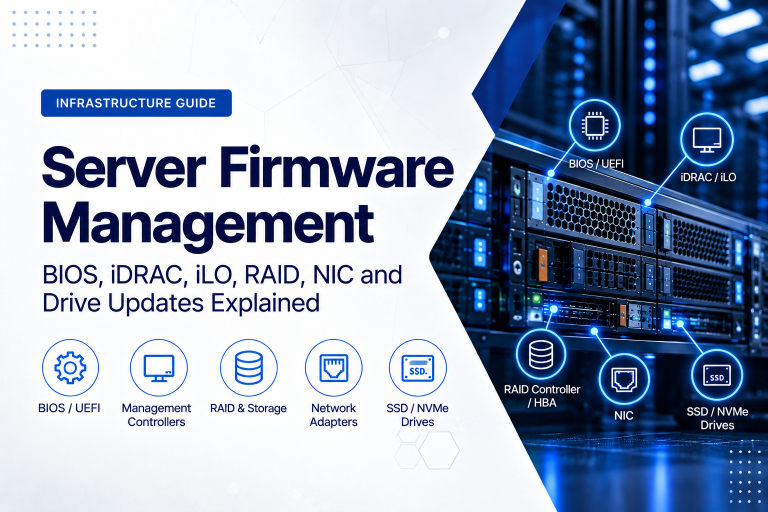
Check Firmware and BIOS Support
Firmware affects compatibility, reliability and security.
Review:
- System BIOS
- Management controller
- RAID controller
- Network adapters
- Storage backplane
- Power supplies
- Drive firmware
The supplier should identify whether firmware has been updated and tested as a complete system.
The newest firmware is not always automatically the best choice for every legacy operating system, but the configuration should be supported and documented.
Check whether the manufacturer still publishes firmware and security updates for the model.
Review Hardware Event Logs
Enterprise servers record hardware events.
These logs may show:
- Memory errors
- Drive failures
- Power-supply faults
- Fan problems
- Temperature warnings
- Processor errors
- Unexpected shutdowns
- RAID degradation
Ask whether the logs have been reviewed and cleared after testing.
Repeated errors can indicate a component that is beginning to fail even if the server currently starts and completes a basic diagnostic.
A reputable supplier should investigate the cause rather than simply clear warnings.
Ask About Diagnostic Testing
The refurbishment process should include more than confirming that the server powers on.
Testing may include:
- Processor stress test
- Memory diagnostics
- Drive health test
- RAID test
- Network-port test
- Power-supply test
- Fan test
- Temperature monitoring
- Remote-management test
- Full-load stability test
Ask whether testing is automated, how long it runs and whether a report is available.
A short startup test may not reveal intermittent memory, power or thermal problems.
Inspect Physical Condition
Cosmetic marks do not necessarily affect operation, but physical condition can reveal how the server was handled.
Inspect or request photographs of:
- Chassis
- Drive bays
- Rack ears
- Handles
- Fans
- Power connectors
- Network ports
- Internal air channels
- System board
- Expansion slots
Watch for:
- Bent chassis sections
- Missing screws
- Broken drive carriers
- Damaged connectors
- Corrosion
- Excessive dust
- Signs of liquid
- Improvised parts
A cosmetic grade should be described separately from functional testing.
Confirm That Rails and Bezel Are Included
Rack servers may require model-specific rails.
Ask whether the quotation includes:
- Sliding rails
- Static rails
- Cable-management arm
- Front bezel
- Security key
- Rack screws
- Power cables
Missing rails can delay installation and add unexpected cost.
Check rack compatibility, especially when using a shallow cabinet or non-standard rack.
The server’s depth and weight should also be confirmed.
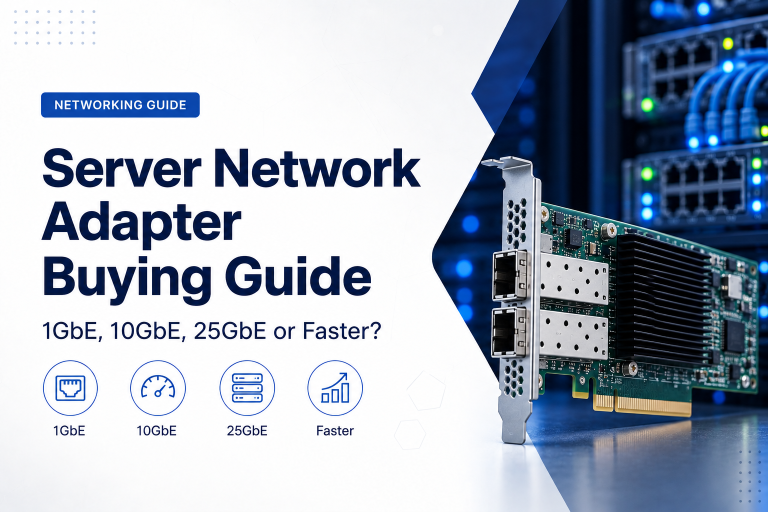
Check Network Interfaces
Review the installed network adapters.
Confirm:
- Port count
- Port speed
- Connector type
- Fibre or copper support
- Firmware
- Driver support
- Expansion capability
A server may include several 1GbE ports but require 10GbE for backup, storage or virtualisation.
Some systems use modular network adapters that can be upgraded without consuming a standard PCIe slot.
If fibre is required, include the cost and compatibility of transceivers and cables.
Review Expansion Capacity
A refurbished server may be purchased partly for future growth.
Check:
- Free memory slots
- Available drive bays
- PCIe slots
- Processor capacity
- Network expansion
- GPU support
- Power capacity
- Cooling requirements
Expansion may be limited by:
- One-processor configuration
- Missing riser cards
- Power-supply rating
- Chassis type
- Firmware
- Physical space
Do not assume that every theoretical option is available in the quoted configuration.
Confirm Operating-System Support
The server should support the intended operating system or hypervisor.
Check:
- Vendor compatibility lists
- Processor support
- Storage-controller drivers
- Network drivers
- Secure-boot support
- Trusted Platform Module
- Virtualisation extensions
An older server may operate with a newer system even when it is no longer officially certified.
This can complicate vendor support and future updates.
For production workloads, official compatibility is generally preferable.
Check Hypervisor Compatibility
For virtualisation, confirm support for the intended platform.
Review:
- Processor generation
- Virtualisation extensions
- Memory capacity
- RAID and storage drivers
- Network adapters
- Management tools
- Current compatibility list
- Remaining support life
A server may be inexpensive because it is no longer supported by a current hypervisor release.
Running an older hypervisor can create security and application compatibility problems.
Check Software Licence Impact
Hardware selection can affect software cost.
Licensing may depend on:
- Processor sockets
- Physical cores
- Virtual machines
- Server edition
- User or device count
- Database cores
A refurbished server with many cores may have a low hardware price but create a high software-licence cost.
Calculate hardware and software together.
It may be more economical to purchase a newer server with fewer faster cores.
Consider Security Features
Review whether the server supports required security controls such as:
- Trusted Platform Module
- Secure Boot
- Firmware signing
- Drive encryption
- Management-controller security
- BIOS password controls
- Hardware root of trust
Older hardware may lack features expected by current operating systems or security policies.
A server does not need every modern feature for every workload, but limitations should be understood before deployment.
Verify Data Sanitisation
Any included drives should be sanitised before resale.
Ask the supplier:
- Which sanitisation method was used?
- Was the process verified?
- Are certificates available?
- Were all storage devices included?
- Were management-controller logs and settings reset?
Formatting a drive or deleting partitions is not sufficient for secure sanitisation.
For sensitive environments, the buyer may prefer new drives or may repeat the sanitisation process before use.
Understand the Warranty
A refurbished server should include a clear warranty.
Review:
- Warranty duration
- Parts covered
- Labour covered
- Return-to-base or on-site service
- Response time
- Shipping responsibility
- Advance replacement
- Exclusions
- Geographic coverage
A 12-month warranty from a capable supplier may provide more practical value than a longer warranty with slow or unclear support.
Ask how replacement parts are sourced and how quickly they can be delivered.
Check Spare-Part Availability
Enterprise servers use model-specific components.
Common replacement needs may include:
- Power supplies
- Fans
- Drive carriers
- RAID batteries
- Controllers
- Network adapters
- System boards
- Memory
- Rails
Older models may have abundant used parts, but availability can decline over time.
For critical systems, the business may keep selected spares or purchase a supplier support agreement.
The cost and availability of replacement parts should be considered before buying a heavily discounted older generation.
Evaluate the Supplier
The supplier is as important as the server.
Assess whether the supplier provides:
- Clear technical specifications
- Component model numbers
- Configuration advice
- Diagnostic testing
- Data sanitisation
- Warranty
- Technical support
- Secure packaging
- Replacement parts
- Business references
A credible supplier should be willing to explain the condition and source of the equipment.
Avoid quotations that describe only processor, memory and disk capacity while omitting controller, drive health, power supplies, firmware and warranty.
Ask for the Serial Number or Service Tag
The server’s serial number or service tag can help identify:
- Original configuration
- Manufacture date
- Warranty history
- Exact chassis model
- Supported components
- Previous service records
Not every manufacturer exposes the same information, but the identifier can help verify that the quoted hardware matches the supplied unit.
It should also be recorded in the business asset register after purchase.
Review Packaging and Shipping
Servers are heavy and can be damaged during transport.
Suitable packaging should protect:
- Chassis corners
- Drive bays
- Rack ears
- Internal components
- Power supplies
- Rails
Ask whether the server will be shipped in purpose-designed packaging.
Large drives and expansion cards may need additional support or separate packaging.
For international shipments, review insurance, customs documentation and damage-reporting procedures.
Compare Refurbished With New Entry-Level Hardware
A refurbished enterprise server may offer:
- More memory capacity
- Better RAID
- Redundant power
- Remote management
- More drive bays
- Greater expansion
A new entry-level server may offer:
- Lower power use
- Newer processor
- Longer manufacturer support
- Current firmware
- Full new-product warranty
- Better software compatibility
The decision should compare complete lifecycle value.
Refurbished enterprise hardware is often attractive for virtualisation, backup, testing, storage and cost-sensitive production workloads.
New hardware may be preferable where long support life, energy efficiency or current certification is more important.
Compare Refurbished With Cloud
A refurbished server may provide low long-term cost for a stable workload.
Cloud may provide better value when the business needs:
- Rapid deployment
- Variable capacity
- Geographic resilience
- No local server room
- Temporary infrastructure
- Managed platform services
The comparison should include:
- Power
- Cooling
- Backup
- Support
- Internet
- Recovery
- Internal management
- Hardware replacement
A low server price does not represent the complete on-premises cost.
Suitable Uses for Refurbished Servers
Refurbished enterprise servers can be appropriate for:
- Virtualisation
- Backup repositories
- Development
- Testing
- File services
- Internal applications
- Disaster-recovery systems
- Laboratories
- Training environments
- Secondary infrastructure
They can also support production workloads when the configuration, warranty, backup and recovery arrangements are appropriate.
When Refurbished May Not Be Appropriate
Newer hardware may be preferable when:
- The application requires current certification
- Long manufacturer support is essential
- Power efficiency is a priority
- Replacement parts are difficult to obtain
- Current security features are mandatory
- Software licensing favours newer processors
- Downtime has very high business impact
- The equipment must remain in service for many years
The lowest purchase price should not override operational and support requirements.
Common Buying Mistakes
Choosing by Core Count Alone
Older processors with many cores may perform poorly or increase software-licence cost.
Ignoring Drive Health
Used storage can create greater risk than the refurbished chassis.
Assuming RAID Means Data Is Protected
The system still needs independent backup.
Buying Without Rails or Carriers
Missing accessories can add cost and delay deployment.
Ignoring Power and Noise
A rack server may be unsuitable for an ordinary office.
Filling Every Memory Slot
The system may have no economical upgrade path.
Purchasing Unsupported Hardware
Operating systems or hypervisors may no longer certify the server generation.
Comparing Only Initial Price
Power, warranty, support and software licences may change the total cost significantly.
A Practical Refurbished Server Checklist
Before buying, ask:
- Which workload will the server support?
- What generation and exact model is it?
- How many processors are installed?
- Which processor models are included?
- How is the memory configured?
- How many memory slots remain free?
- Which drive types and sizes are supported?
- Are drives new or used?
- What health information is available for the drives?
- Which RAID controller is installed?
- Are cache protection and batteries healthy?
- Are two power supplies included?
- Which network adapters are installed?
- Is remote management licensed and functional?
- Has all firmware been reviewed?
- What diagnostic testing was completed?
- Were hardware event logs checked?
- Has all previous data been sanitised?
- Are rails, carriers and cables included?
- Is the operating system or hypervisor supported?
- What warranty and technical support are included?
- Are replacement parts readily available?
- What is the expected power consumption?
- What is the complete lifecycle cost?
A reputable supplier should answer these questions clearly.
Final Recommendation
Evaluate a refurbished enterprise server as a complete system rather than a list of processor, memory and storage numbers.
Confirm the server generation, workload suitability, software compatibility, storage-controller configuration, drive health, power supplies, remote management and expansion capacity.
Ask the supplier to explain its testing, sanitisation and warranty process. Review power consumption, replacement-part availability and software-licence implications before focusing on the purchase price.
For critical workloads, consider using new drives, maintaining spare components and implementing reliable backup and recovery.
A properly refurbished enterprise server can provide excellent value, but only when its condition, support and remaining lifecycle are understood.
Ila Express supplies tested refurbished enterprise servers, new storage drives, memory, networking components and complete business infrastructure configurations.
Contact Ila Express to compare refurbished server options and select a configuration with the right performance, warranty, upgrade path and lifecycle value for your business.