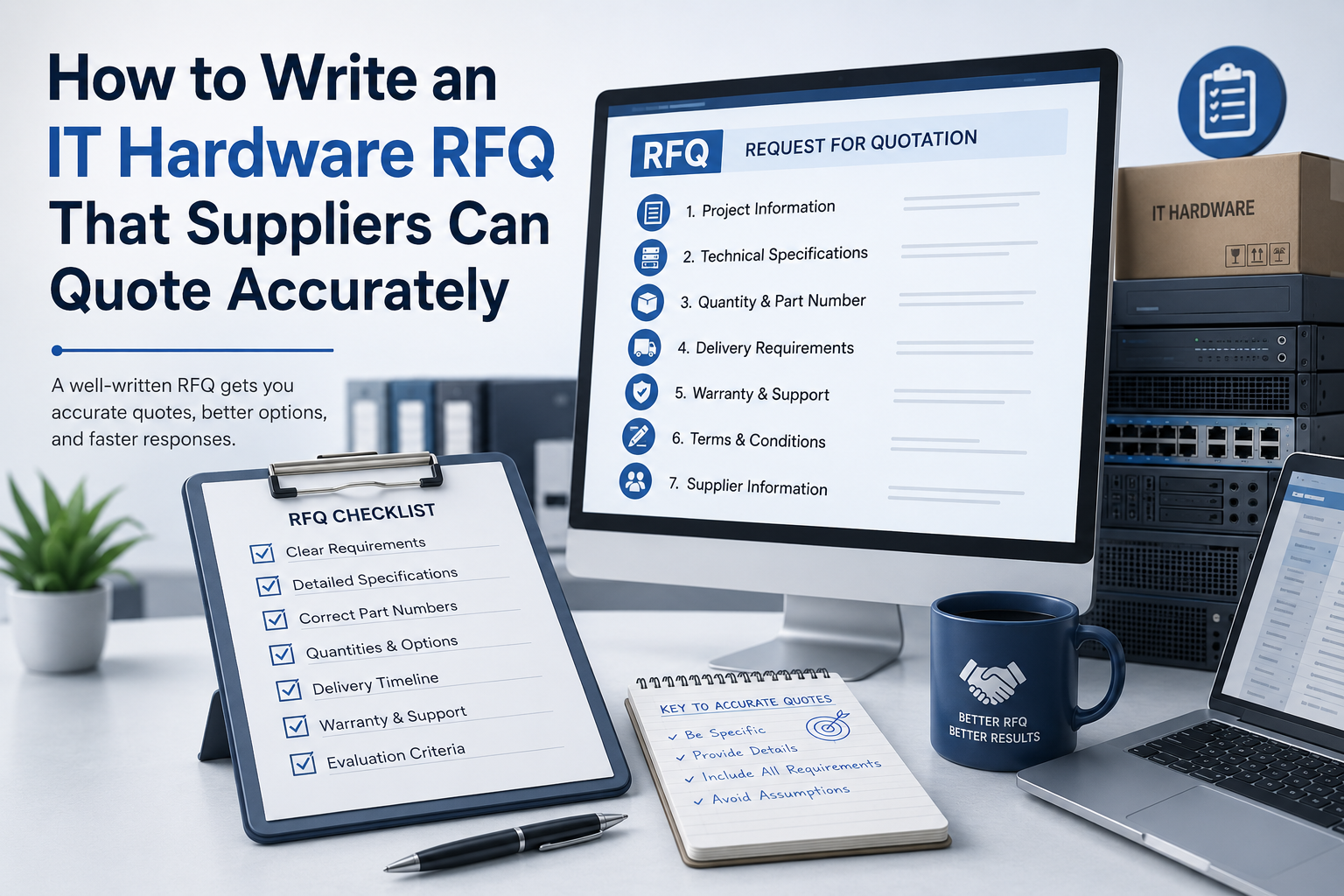
An IT hardware request for quotation should make it easy for suppliers to understand exactly what your business needs.
When requirements are incomplete or unclear, suppliers must make assumptions. Those assumptions can lead to quotations with different specifications, warranties, delivery terms and service levels, making it difficult to compare offers fairly.
A well-written RFQ reduces delays, limits misunderstandings and helps suppliers provide accurate pricing from the beginning.
What Is an IT Hardware RFQ?
A request for quotation, or RFQ, is a document sent to suppliers when a business wants pricing for clearly defined products or services.
An IT hardware RFQ may cover:
- Servers
- Desktop computers
- Laptops
- Workstations
- Storage systems
- Networking equipment
- Components and upgrades
- Accessories
- Installation and configuration
- Maintenance and support
An RFQ is most effective when the organisation already understands its requirements and primarily needs suppliers to confirm pricing, availability and commercial terms.
When the business is unsure which solution it needs, a request for proposal may be more appropriate because it allows suppliers to recommend different approaches.
Start With the Business Requirement
Before listing technical specifications, explain what the equipment will support.
This helps suppliers identify potential compatibility or sizing problems.
For example, instead of requesting only “one business server,” explain that the server will support:
- A specific number of users
- Virtual machines
- A database application
- File storage
- Backup software
- Remote access
- Expected future growth
The business context does not need to be lengthy. A few clear sentences can help the supplier understand why certain specifications are required.
Identify Every Required Item
List each item separately and assign it a reference number.
A simple structure might include:
| Item | Description | Quantity |
|---|---|---|
| 1 | Rack server | 2 |
| 2 | Server memory upgrade | 8 |
| 3 | Enterprise SSD | 12 |
| 4 | Network switch | 2 |
| 5 | Installation service | 1 |
Avoid grouping unrelated products under a general description such as “complete IT package.”
Separate line items allow suppliers to show individual prices, confirm availability and suggest alternatives only where necessary.
Provide Clear Technical Specifications
Each product should include enough detail to prevent suppliers from quoting materially different equipment.
Servers
For servers, specify requirements such as:
- Rack or tower form factor
- Processor family or minimum performance
- Number of processors
- Required memory capacity
- Maximum future memory capacity
- Storage type and usable capacity
- RAID level or controller requirements
- Network interfaces
- Redundant power supplies
- Operating system
- Remote management features
- Rack rails and cables
- Warranty and support period
Avoid requesting only a model number unless that exact configuration is mandatory. Many server models can be configured with different processors, memory, storage and support packages.
Laptops and Desktop Computers
For user devices, include:
- Processor class
- Minimum memory
- Storage capacity
- Screen size and resolution
- Graphics requirements
- Operating system
- Keyboard layout
- Wireless connectivity
- Camera and audio requirements
- Ports
- Docking station requirements
- Warranty
- Accessories
State whether the devices are intended for office work, engineering, design, development or another specialised use.
Storage Systems
For storage equipment, specify:
- Required usable capacity
- Preferred drive type
- Performance expectations
- RAID or data-protection requirements
- Network or host connectivity
- Expansion requirements
- Replication features
- Backup integration
- Management software
- Support period
Make it clear whether the requested capacity is raw capacity or usable capacity after RAID and system overhead.
Distinguish Mandatory and Preferred Requirements
Not every requirement has equal importance.
Mark specifications as either:
- Mandatory
- Preferred
- Optional
This allows suppliers to understand where alternatives are acceptable.
For example, a specific operating system may be mandatory, while a particular processor model may only be preferred if an equivalent option provides the required performance.
Without this distinction, a supplier may reject a suitable alternative or quote a more expensive product simply to match every requested detail.
State Whether Alternatives Are Allowed
Suppliers should know whether they may quote equivalent products.
You can use wording such as:
“Suppliers may propose equivalent or better alternatives, provided that all differences are clearly identified and the proposed equipment meets the minimum requirements.”
Ask suppliers to explain:
- Which specifications differ
- Why the alternative is suitable
- Whether compatibility is affected
- Whether the warranty or support level changes
- Whether the alternative affects delivery time
Alternatives can be useful when the requested product is unavailable, discontinued or not cost-effective.
However, alternatives should be shown separately rather than substituted without explanation.
Specify the Required Hardware Condition
State whether the RFQ accepts:
- New current-generation equipment
- New previous-generation equipment
- Manufacturer-refurbished equipment
- Professionally refurbished equipment
- A combination of these options
If refurbished hardware is accepted, define the minimum requirements.
These may include:
- Full functional testing
- Clear cosmetic condition
- Secure data sanitisation
- Updated firmware
- No missing components
- Minimum warranty period
- Disclosure of replaced parts
Without this information, suppliers may quote equipment in very different conditions.
Include Compatibility Information
Suppliers cannot verify compatibility unless they know what the new equipment must work with.
Provide relevant details about the existing environment, including:
- Current server models
- Operating systems
- Virtualisation platforms
- Storage systems
- Network standards
- Rack dimensions
- Power connections
- Existing memory or drive types
- Business applications
- Required software certifications
Serial numbers, service tags or current configuration reports may be useful when purchasing upgrades or replacement parts.
Do not assume that two components are compatible simply because their basic specifications appear similar.
Define Warranty and Support Requirements
Warranty should be described clearly rather than requested as “standard warranty.”
Specify:
- Required warranty duration
- On-site or return-to-supplier coverage
- Response time
- Parts replacement terms
- Technical support availability
- Support hours
- Geographic coverage
- Manufacturer or supplier-backed warranty
- Optional extended support pricing
For critical equipment, request separate prices for different support levels.
This allows the business to compare the cost of basic coverage with faster response or on-site service.
Explain Delivery Requirements
Delivery can significantly affect the quotation.
Include:
- Delivery location
- Required delivery date
- Whether partial delivery is accepted
- Packaging requirements
- Import or customs responsibilities
- Whether shipping must be included
- Whether delivery is to the building, office or server room
- Whether installation is required
For international orders, define the required Incoterms where appropriate.
Ask suppliers to state whether the equipment is in stock, available from distribution or subject to a manufacturer lead time.
Request Installation and Configuration Separately
Do not assume that installation is included with the hardware.
State whether you require:
- Physical installation
- Rack mounting
- Cable installation
- Firmware updates
- RAID configuration
- Operating system installation
- Network configuration
- Data migration
- Testing
- Documentation
- Staff handover
Ask suppliers to price these services separately from the equipment.
This makes it easier to compare hardware prices and decide which services should be included in the final order.
Provide a Standard Quotation Format
Give every supplier the same pricing structure to complete.
A quotation table might request:
| Item | Manufacturer and Model | Configuration | Quantity | Unit Price | Total Price | Lead Time | Warranty |
|---|
Also ask suppliers to identify:
- Taxes
- Shipping charges
- Installation fees
- Support costs
- Optional items
- Discounts
- Currency
- Quotation validity
A standard format reduces the risk of important costs being hidden in notes or excluded from the total.
Request a Detailed Bill of Materials
For configurable systems such as servers and storage arrays, ask for a complete bill of materials.
The bill of materials should show:
- Base system
- Processors
- Memory modules
- Drives
- Controllers
- Network adapters
- Power supplies
- Licences
- Cables
- Rails
- Accessories
- Support package
This allows the buyer to verify that the quotation includes every required component.
It also prevents problems such as receiving a server without rails, drives, operating system licences or the correct power cables.
Define the Commercial Terms
Include the commercial information suppliers need to prepare a complete offer.
This may include:
- Required currency
- Payment terms
- Tax requirements
- Quotation validity period
- Expected purchase date
- Delivery destination
- Required invoicing information
- Penalties or conditions for late delivery
- Required supplier documentation
Ask suppliers to state any assumptions or exclusions clearly.
An accurate quotation should show not only what is included but also what is not included.
Set a Realistic Response Deadline
Suppliers need enough time to confirm pricing, stock, configuration and delivery.
Very short deadlines may produce incomplete quotations or prevent distributors from confirming manufacturer information.
The required response time should reflect the complexity of the request.
A small laptop order may need only a few business days, while a multi-server or storage project may require more time.
Include:
- RFQ issue date
- Deadline for supplier questions
- Quotation submission deadline
- Expected evaluation period
- Estimated purchase-order date
Use specific dates and include the applicable time zone.
Allow Suppliers to Ask Questions
Provide one contact person for technical and commercial questions.
When one supplier raises an issue that could affect all quotations, provide the clarification to every participating supplier.
This keeps the process fair and reduces the chance that suppliers quote based on different interpretations.
Avoid making major changes privately with only one supplier.
Common RFQ Mistakes
Several common mistakes make hardware quotations difficult to compare.
Using Vague Descriptions
Requests such as “high-performance server” or “business laptop” do not define measurable requirements.
Requesting Only a Brand Name
A brand may offer dozens of models and configurations. Include technical requirements and the intended use.
Omitting Accessories
Cables, rails, power supplies, docking stations and licences are often missed.
Ignoring Delivery Time
A low price is not useful if the equipment arrives after the project deadline.
Mixing Required and Optional Items
Suppliers may include different combinations, making the totals difficult to compare.
Failing to Define Warranty
Different support levels can create large price differences.
Comparing Only the Final Price
The lowest quotation may include less memory, shorter warranty coverage or missing services.
A Practical IT Hardware RFQ Checklist
Before issuing the RFQ, confirm that it includes:
- Business and project overview
- Delivery location
- Itemised equipment list
- Quantities
- Minimum technical specifications
- Mandatory and preferred requirements
- Accepted hardware condition
- Compatibility information
- Warranty and support expectations
- Delivery deadline
- Installation requirements
- Required quotation format
- Alternative-product rules
- Payment and commercial terms
- Supplier response deadline
- Contact details for questions
The document should be detailed enough for accurate pricing without including unnecessary technical information that does not affect the purchase.
How to Evaluate the Quotations
Once quotations are received, compare them against the original requirements.
Review:
- Technical compliance
- Total price
- Product condition
- Warranty
- Delivery time
- Installation services
- Supplier experience
- Availability of replacement parts
- Support coverage
- Any assumptions or exclusions
Create a comparison table and identify every deviation.
Do not compare only the supplier totals until you confirm that each quotation covers the same equipment and service level.
Final Recommendation
An effective IT hardware RFQ should remove uncertainty.
Clearly describe the required equipment, quantities, technical specifications, compatibility, warranty, delivery and services. Give suppliers a consistent quotation format and ask them to identify alternatives, assumptions and exclusions.
The more accurately the requirement is defined, the easier it becomes to compare suppliers and avoid unexpected costs after placing the order.
Ila Express supplies enterprise servers, computers, storage systems, components and related IT infrastructure equipment. We can also help businesses review hardware requirements and prepare suitable configurations before procurement.
Contact Ila Express to request an accurate quotation for your next IT hardware project.